
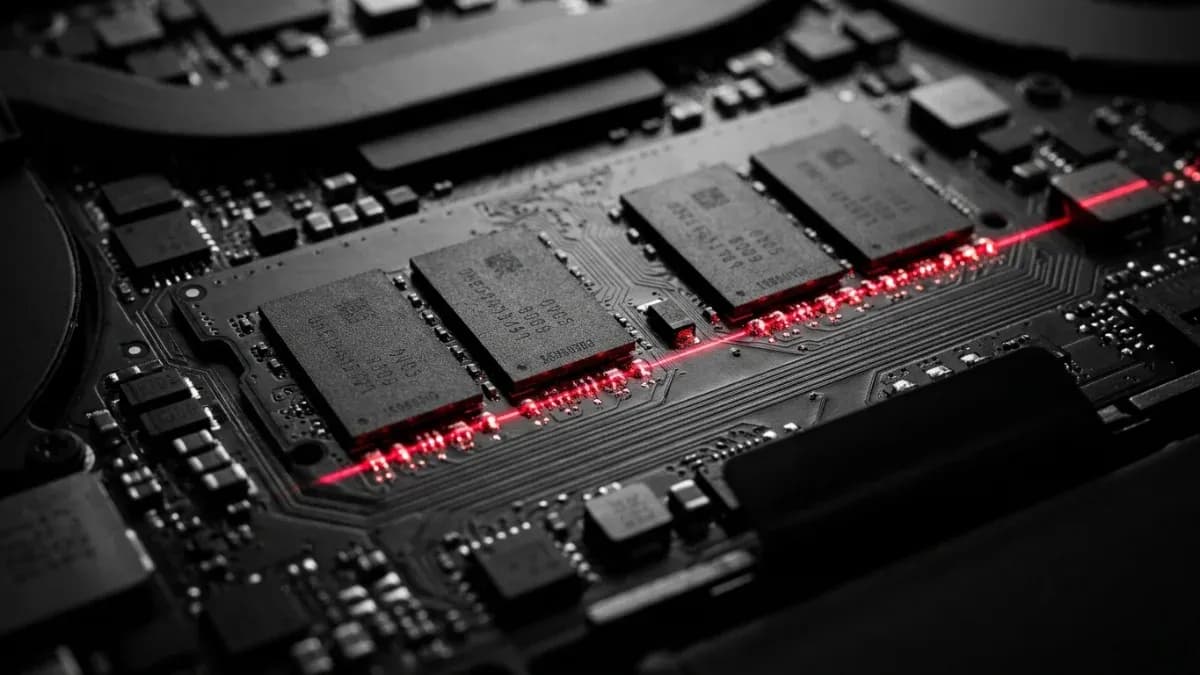
Sixteen gigabytes. If you remember one number from this article, that's it — the amount of RAM that now covers the vast majority of everyday laptop use without forcing you to overspend.For most users in 2026, 16 GB of RAM has become the recommended standard for friction-free multitasking. But that single answer hides a lot of nuance, because the right number for a video editor, a developer running virtual machines, and a student checking email are three very different numbers — and on a growing share of laptops, whatever you buy on day one is what you're stuck with.
What RAM actually does
RAM is short-term, high-speed storage that holds whatever your laptop is actively working on — open browser tabs, a running app, a half-rendered video frame. When it fills up, the system starts swapping data to the much slower drive, and everything feels sluggish even if your processor is fast. More RAM doesn't make individual tasks faster on its own; it determines how many things you can do at once before that slowdown kicks in.
Recommended RAM by task
8GB: fine for one thing at a time, not much else
Eight gigabytes is the absolute minimum workable amount for a modern Windows laptop, and it's suitable only for light, focused computing. It will open a browser, run a word processor, and stream a video — just not comfortably all three at once. The catch is that most people's idea of "light use" involves more running at once than they realize: a dozen browser tabs, a chat app, a cloud sync client, and a video call add up fast, and 8GB runs out of headroom quickly once they do.
There's also a hard software line now. Microsoft's own Copilot+ PC standard sets a floor of 16GB RAM, 256GB storage, and Windows 11 version 24H2 or newer.That requirement was specifically raised to 16GB of DDR5 or LPDDR5 memory to support on-device AI features. An 8GB machine isn't just tighter day to day — it's locked out of an entire tier of Windows features by design.
16GB: the realistic default for most buyers
For a primary laptop used for work, school, or general browsing, 16GB is the number that avoids regret. It handles a full day of video calls, a browser loaded with tabs, and office software running in the background without the stutter that an 8GB machine shows under the same load.It's also become the baseline gamers should expect: 2026's AAA titles frequently list 16GB as the minimum requirement and 32GB as recommended.
Developers and creative beginners should treat 16GB as a starting line rather than a ceiling. Running a code editor alongside a local database, a browser, and a container or two eats memory fast, and the same is true the moment photo-editing software opens a large raw file.
32GB and up: who actually needs it
This is where the "buy more just in case" instinct becomes a genuinely rational purchase rather than overspending.
Video and photo editors. Adobe states Premiere Pro's minimum is 16GB of RAM, with 32GB recommended for 4K editing or complex multi-layer timelines. Blackmagic's own guidance for DaVinci Resolve runs the same way — 16GB is functional, but 32GB is described as the optimal amount, especially for Fusion or Fairlight work and large timelines. Independent lab testing backs up the real-world gain: going from a modest RAM allocation up toward 64GB produced measurable but workload-dependent improvements, with the biggest gains showing up on compressed camera footage and raw files, and almost no change on already-efficient formats like ProRes.
Developers. Running Docker containers, multiple virtual machines, or several local services simultaneously turns 16GB into a daily bottleneck. 32GB gives enough slack to keep an IDE, a browser, and a handful of background services running without the whole system slowing to a crawl.
3D and local-AI workloads. Rendering and running medium-sized AI models locally both lean heavily on available memory, and 32GB is treated as the entry point for anyone doing either seriously rather than occasionally.
Why you may not be able to add RAM later
This is the part buyers increasingly overlook, and it changes the calculation above. A growing share of laptops no longer use removable memory sticks at all.
LPDDR5 and LPDDR5X are soldered directly to the motherboard, trading faster, more power-efficient memory for the loss of any upgrade path. That design has spread well beyond ultra-thin laptops. A recent audit of business laptop service manuals found the shift accelerating fast: soldered memory rose to 38.5% of 2026 models, up from 22.2% the year before. The split also isn't even across brands — every Apple and Microsoft model in that review had fixed, non-upgradeable memory, while Lenovo, HP, and Dell still offered upgrade paths on a majority of their lineups, concentrated mostly in business and workstation lines rather than thin consumer models.
Soldered memory: the trade-off, honestly
Pros
- Lower power draw, which extends battery life
- Higher bandwidth, which benefits integrated graphics and on-device AI tasks
- Thinner, lighter laptop designs become possible
Cons
- No upgrade path — the configuration at purchase is final
- A failed memory chip usually means replacing the whole motherboard
- Buyers must correctly estimate future needs years in advance
Who still lets you upgrade
Brand | Share of 2026 models with upgradeable memory |
Lenovo | 65.4% |
HP | 64.8% |
Dell | 55.4% |
Apple | 0% |
Microsoft | 0% |
Across the laptops reviewed, 55.8% still allowed memory upgrades overall. Business and workstation lines remain the safest bet if upgradeability matters to you; thin consumer ultrabooks across nearly every brand have moved toward fixed memory.
LPCAMM2: a middle ground making a slow comeback
Not every modern laptop forces an all-or-nothing choice. LPCAMM2 is a modular, repairable, and upgradeable memory standard that still uses the fast, efficient LPDDR chips found in soldered designs. It swaps a screwed-down module in for soldered chips, so you get most of the speed benefit without losing the option to replace it later.
Adoption is still limited but growing. By mid-2026, LPCAMM2 had appeared in machines from Lenovo, HP, Asus, and Framework, with Samsung and SK Hynix now supplying modules alongside Micron. Lenovo's redesigned 2026 ThinkPad T-series, for example, uses 8533 MT/s LPDDR5X modules in this upgradeable format. If you want LPDDR5X-class speed without giving up the ability to upgrade, this is currently the specific spec to search for — most laptops won't advertise it clearly, so check the service manual or memory spec line rather than the marketing page.
Picking the right tier for you
Real questions buyers ask
Is 8GB RAM still worth buying in 2026? Only for a secondary, lightweight, or budget laptop used for browsing and documents. It struggles the moment several apps or many browser tabs run at once, and it falls short of Windows 11's Copilot+ hardware requirements entirely.
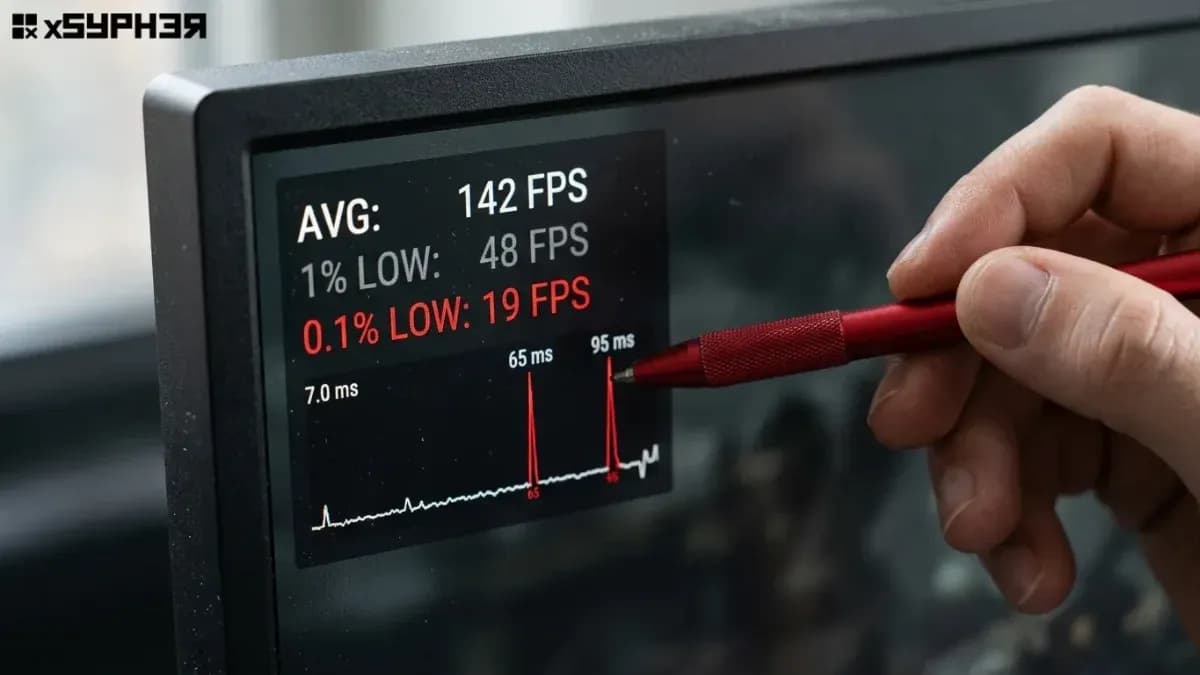
Does more RAM make games run faster? Not directly. RAM prevents stutter from running out of memory; your GPU and CPU determine frame rates. That said, modern AAA titles increasingly expect 16GB as a baseline, so going lower risks hitches that look like a performance problem but are actually a memory shortage.
Can I upgrade RAM on a MacBook or Surface later? No. Apple Silicon Macs and Microsoft Surface devices use memory built into the chip package or soldered to the board, with zero upgrade path after purchase. Buy the configuration you'll need for the device's full lifespan.
Is 32GB overkill for someone who just browses and does office work? For that use case, yes — 16GB already covers it comfortably. 32GB only pays off if you edit video, run virtual machines, work with large creative files, or run AI models locally.
What's the difference between soldered RAM and LPCAMM2? Both use fast LPDDR5X chips, but soldered memory is permanently fixed to the motherboard while LPCAMM2 sits in a replaceable module. LPCAMM2 offers similar speed with the option to upgrade later, though it's currently available on a limited number of models.
How much should you actually buy?
If you're buying a laptop you'll keep for several years and the memory is soldered — which now describes a large share of premium ultrabooks — buy one tier above your current estimate. The cost difference between 16GB and 32GB at purchase is almost always smaller than the cost of replacing the entire laptop early because it ran out of memory. If the model you want still offers a SO-DIMM slot or LPCAMM2 module, you have more room to start lean and upgrade when your workload actually demands it. Either way, check the spec sheet for the word "soldered" before you check the price.



Discussion
Loading discussion…